
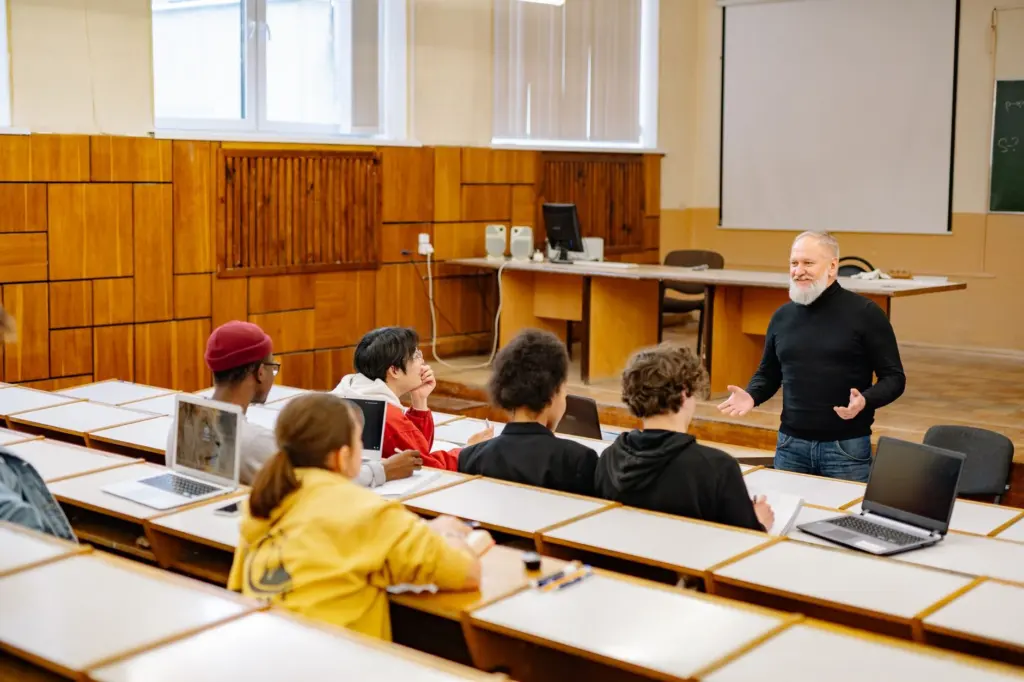
A school buys a tablet for every desk and expects results to follow. The pros and cons of technology in the classroom show otherwise: outcomes depend on how teachers use the tools, not on owning them.
This guide sorts the common assumptions about classroom devices from what the evidence supports. For the wider picture, see how technology impacts society.
Misconception: technology is good or bad in itself
Technology is not inherently good or bad. A higher-education overview of technology’s upsides and downsides makes this point, and it is the most useful starting position for a teacher. A tablet used for a clear task, such as drafting, recording or revising, can help. The same tablet used to fill time can distract.
In practice, decide the learning goal first and the tool second. If you cannot say what a device lets students do that paper or discussion cannot, wait before adopting it.
| Common assumption | What the evidence supports | Planning use |
|---|---|---|
| Devices improve learning on their own | Technology’s value depends on how it is used, not on the device itself | Write the learning task before choosing a tool |
| Personalization means each student works alone on an app | Multiple submission types and varied media let teachers differentiate instruction | Offer students choices in how they show understanding |
| Screen problems are only about tired eyes | Eyestrain, hand or wrist pain and sleep deprivation are common symptoms of heavy device use, and constant connection makes it harder to unwind | Build screen-free stretches into lessons and homework |
These points draw on Grantham University’s technology overview and Instructure’s list of classroom benefits.
Benefits of technology in the classroom
The clearest benefits are flexibility for different learners, access for students with particular needs, quicker feedback and early practice with digital skills. Each depends on teacher design.
Personalized learning through varied tasks
Personalized learning does not require a sophisticated adaptive program. Instructure’s overview notes that technology lets teachers differentiate instruction by offering several assignment submission types and varied media. One student can record an explanation, another can write it up, and a third can submit a slide set, all against the same success criteria.
This suits classes where students need different routes to the same understanding. It suits them less when a single platform dictates one format for everyone.
Accessibility and assistive tools
Assistive technology is among the strongest arguments for classroom devices. Screen readers help visually impaired students reach digital materials, and speech-to-text tools support students who struggle with writing, according to the same Instructure overview. If your school is deciding where to spend a limited budget, accessibility features are a sound priority because they remove barriers rather than add novelty.
Faster feedback and digital literacy
Feedback is most useful when it arrives while the work is still fresh. Features such as SpeedGrader can help teachers give feedback quickly, when and where students need it, as Instructure describes. Students who start using technology early also learn to understand digital privacy and security, which makes privacy a teachable skill as well as a policy issue.
Drawbacks and the screen time question
The main drawbacks of classroom technology are physical strain, difficulty disconnecting and the risk that tools replace good teaching instead of supporting it.
Physical and sleep effects of heavy screen use
Heavy device use brings familiar symptoms. Eyestrain, hand or wrist pain and sleep deprivation are common when people spend long periods on their devices, according to Grantham University’s overview.
Hyperconnectivity and attention
Constant connection can make it harder to disconnect or to find space to unwind, and may lead to stress or exhaustion. For teachers, the implication is that screen time spreads past the school day. A lesson that ends with an online task and a notification stream can follow students home. A sensible response is to set clear time limits for computer, tablet or TV use, which is the practical guideline the same source offers.
Equity and student data privacy
Equity and privacy are the two risks a school controls most directly through its choices, because both are shaped at the point of buying and setting up tools.
The digital divide in practice
The digital divide is the gap between students who have suitable devices and reliable connections and those who do not. A lesson that assumes every student can work online at home builds that gap into the assignment. Two choices reduce it. First, favour tools that are device-agnostic, meaning they work across platforms, so a lesson does not depend on one brand of hardware. This is among the criteria ViewSonic’s guide to classroom technology drawbacks recommends. Second, keep a non-digital route to the same learning outcome, so a student without a device is not marked down for a hardware limit. Assistive technology belongs in the same equity conversation, since screen readers and speech-to-text decide whether some students can take part at all.
Protecting student data
Student data privacy is both a school responsibility and a skill to teach. Students who use technology early can learn to understand digital privacy and security, so build that into lessons instead of leaving it to a policy document. When a school adopts a platform, check what personal data it stores and whether the tool is worth that exposure. If a tool offers little beyond what a simpler option provides, the privacy cost is a good reason to decline it.
Guidelines for using technology well
Teachers use technology well when tool choice, training and routines all point at a defined learning goal. These steps put that into practice:
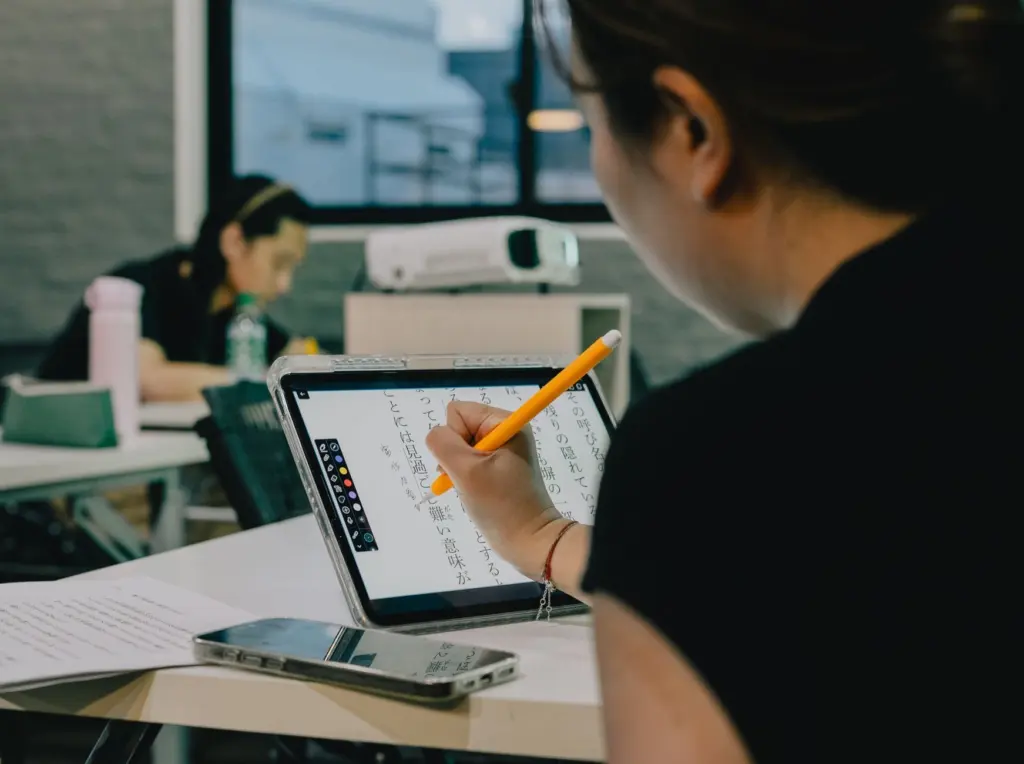
- Choose tools by criteria. Look for options that are device-agnostic, user-friendly and scalable. User-friendliness matters because nobody wants to spend class time troubleshooting, as ViewSonic notes.
- Train hands-on. Teachers need real, hands-on training that shows how to use technology in ways that support their lessons. A demonstration of features is not enough.
- Use feedback features deliberately. Tools that speed up marking are most valuable when the time saved goes into responding to students while it still helps them.
- Set time limits. Agree limits for computer and tablet use, and plan offline work alongside digital tasks to offset the strain and attention costs described above.
- Teach privacy explicitly. Treat digital privacy and security as part of the lesson content wherever students use accounts.
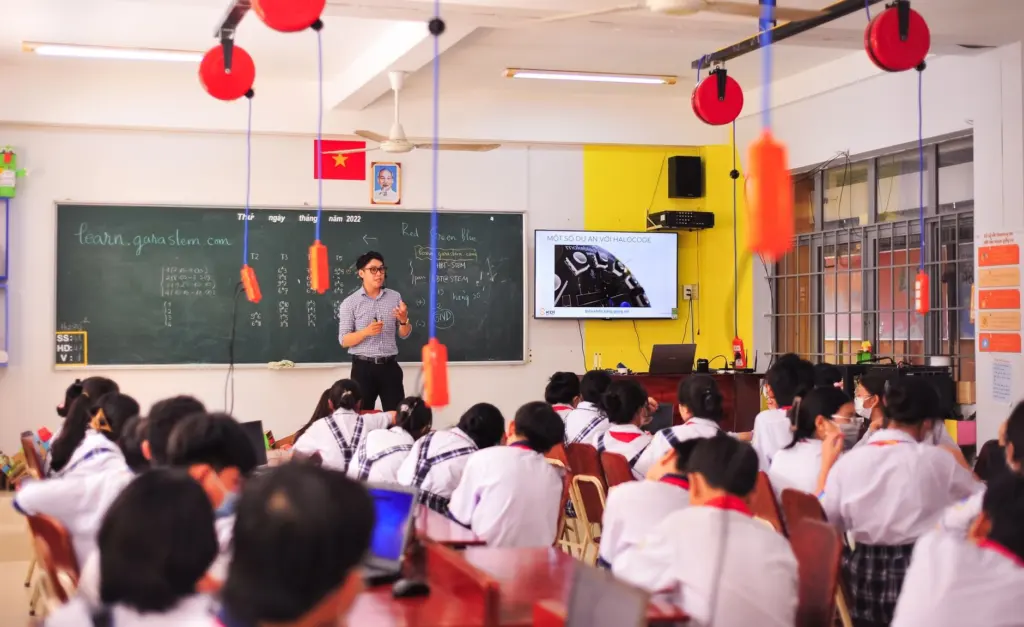
Weighing classroom technology against other fields
The trade-off between benefit and risk is not unique to schools. The same weighing appears in The Future Of Healthcare Technology: What’s Coming Next (2026–2035) – Ricecatalyst, and in the engineering behind How Electric Cars Work: A Clear 2026 Guide To Batteries, Motors, Charging, And Range – Ricecatalyst. In each case the technology’s value depends on how it is applied.
Frequently asked questions
| Question | Answer |
|---|---|
| What are the benefits of technology in the classroom? | It supports differentiated instruction through varied assignment types, helps students with accessibility needs via screen readers and speech-to-text, and lets teachers give feedback quickly. |
| What are the drawbacks? | Heavy device use is linked with eyestrain, hand or wrist pain and sleep deprivation. Constant connection can also make it harder to disconnect and unwind. |
| How can schools handle equity and privacy? | Choose device-agnostic tools, keep a non-digital route to the same outcome, prioritise assistive technology, and teach students about digital privacy and security. |
| How should teachers use technology well? | Start from the learning goal, choose user-friendly and scalable tools, get hands-on training, and set time limits for screen use. |