
| Effect of printing layer by layer | What is supported | Planning use |
|---|---|---|
| Slow output | Desktop 3D printers are generally slow and less suited to mass production or tight tolerances. | Use them for one-off parts and prototypes, not for volume runs or close-fit assemblies. |
| Modest accuracy | FDM is inexpensive and suited to hobbyist printers, but its accuracy and speed are low compared with other processes. | Fine for hobby and test parts. Consider another process when fit matters. |
| Finishing work | Overhangs need support structures, which are removed after printing, and sanding gives a more finished look. | Allow time after the print ends, not only while the machine runs. |
| Laminated parts | Sheet lamination is mostly used for aesthetic or visual models and is not generally suitable for structural use. | Choose it for display pieces, not load-bearing parts. |
| Metal parts | Directed energy deposition is widely used in the metal industry and for rapid manufacturing. | Look to this family of processes when the part must be metal. |
These effects are drawn from HP’s guide to 3D printing processes and Adorama’s printer explainer.
How does 3D printing work? A printer builds an object from a digital design by laying down thin layers of material. That suits complex shapes, while speed, accuracy and finishing depend on the process you choose.
The technique sits inside a larger story about how technology impacts society, and it earns a place beside the milestones in The 7 Greatest Inventions Of All Time — How They Built The Modern World – Ricecatalyst. Its likely future is covered in Future Technology Trends: 7 Breakthrough Innovations Shaping 2027 And Beyond – Ricecatalyst.
What building layer by layer changes
This kind of printing is also called additive manufacturing, and the name explains the main consequence. According to an additive manufacturing overview, it builds parts by adding layers, whereas subtractive manufacturing removes material from a solid block. That difference shapes what is easy, what is cheap and what is awkward.
- Complex geometry is simpler to design. The same overview lists simplified product design of complex geometries as an advantage over subtractive methods. If a part has internal channels or organic curves, printing is worth considering before machining.
- Parts can be lighter and waste can be lower. The advantages it lists also include reduced weight and less material waste. These are qualitative gains, so test them against your own part rather than assuming a particular saving.
- Design changes are cheap to try. Because the printer works directly from a digital model, a revised file can be printed without new tooling. This makes the process a good fit for prototypes and iterations.
- Volume is the weak point. The slow pace of desktop machines, noted in the table above, means a batch of identical parts is better handled by another method.
Those trade-offs depend on the printing process, so the next question is which one fits the job.
Choosing a printing process
HP stresses that there is not just one method of 3D printing. It lists sheet lamination, directed energy deposition, material extrusion, material jetting, binder jetting, vat photopolymerization and powder bed fusion as distinct processes. Most readers meet only a few of them.
FDM: the home and hobby default
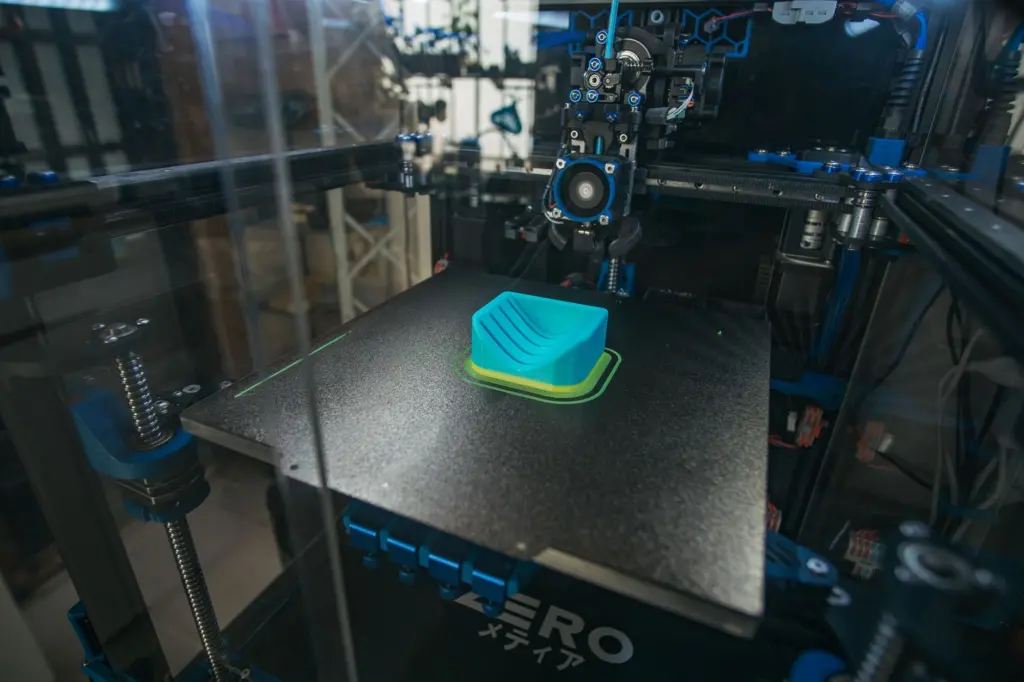
Fused deposition modeling (FDM) melts a thermoplastic filament and extrudes it through a nozzle, and it is the method most home printers use. HP describes the filament as unwound from a spool and supplied to the nozzle. The strengths are low cost and wide availability, and Amolen’s overview adds the drawbacks of limited resolution, limited accuracy and poor surface finish on consumer machines.
Resin printing: finer detail, more cleanup
Stereolithography (SLA) cures liquid resin layer by layer with ultraviolet light. Amolen notes that resin printers can use high-performance resins, but the parts need post-processing to remove excess resin and the process is expensive compared with FDM. Choose resin when detail matters more than cost and convenience.
Powder, jetting and metal
Selective laser sintering (SLS) uses a laser to fuse powdered material layer by layer. Material jetting applies the chosen material in droplets through a small-diameter nozzle, and the droplets are hardened with UV light. Directed energy deposition suits metal work. These routes serve industrial needs more than the desk of a beginner.
- Pick FDM for low-cost prototypes, jigs and hobby projects where a visible layer texture is acceptable.
- Pick resin when surface detail is the priority and you can handle cleanup.
- Pick a powder or metal process only when the part’s material or end use demands it, and expect to rely on industrial equipment.
Materials and what they change
Filament is, in Lenovo’s description, often a spool of plastic wire that the nozzle melts and extrudes layer by layer. Material choice sets how forgiving the print is and how the part behaves afterwards.
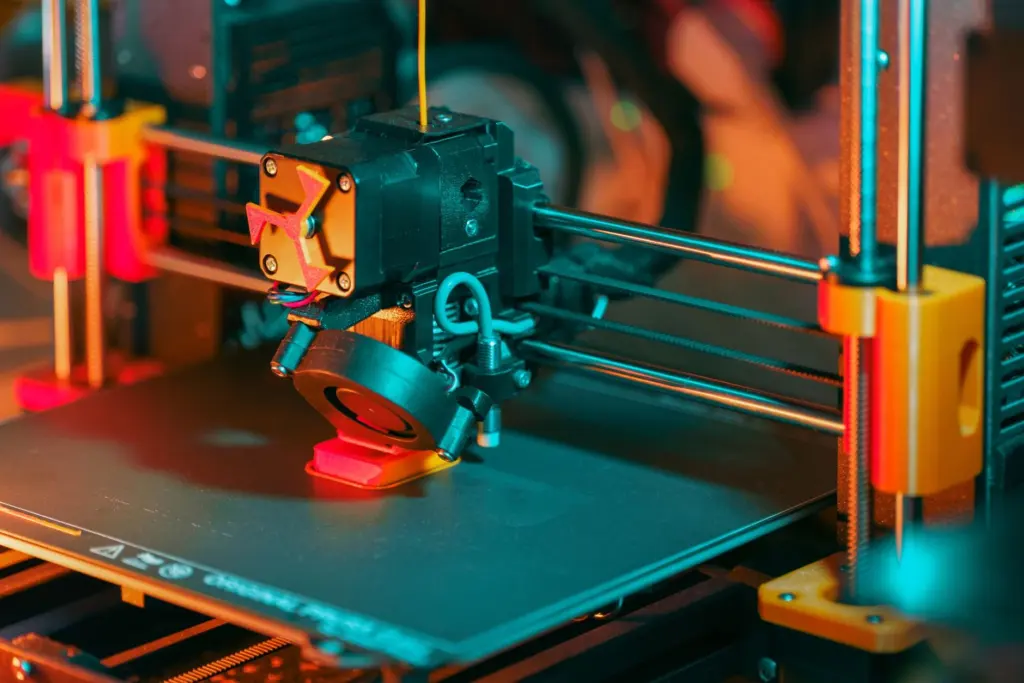
- PLA is chosen for its ease of use, which makes it a sensible starting filament.
- ABS is chosen for durability. It has a higher melting point than PLA, so printer temperature settings must change when you switch between them.
- Nylon and PC sit alongside ABS in HP’s list of extrusion plastics and polymers. Amolen also names nylon among FDM materials.
- Resins include high-performance formulations for resin printers.
- Metals in directed energy deposition include cobalt, chrome and titanium, per HP.
If you are unsure, start with PLA and move to ABS only when the part needs more durability and the printer can run at the higher temperature.
From design to finished part
The overview of additive manufacturing describes a step-by-step sequence, beginning with CAD design, STL file conversion and machine setup, then building the layers, removal, post-processing and final application. In desktop practice it comes down to the following actions.
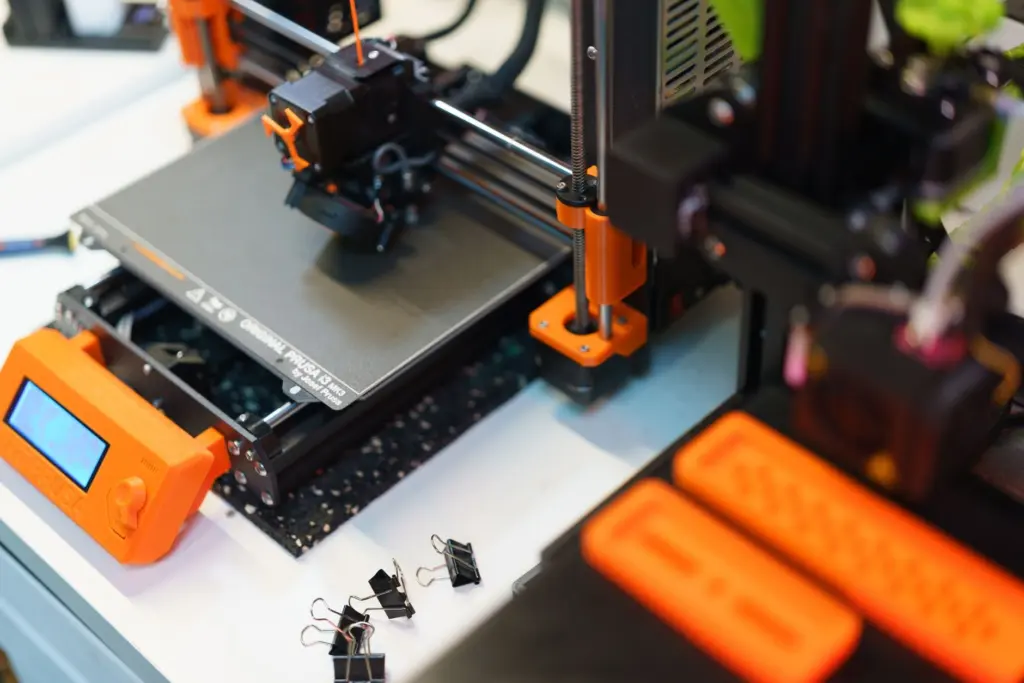
- Design the model. Create it in CAD software and export it as an STL or OBJ file for printing, as Adorama explains.
- Slice the file. Slicer software treats the model as a series of horizontal slices. It then produces G-code, the instructions that tell the printer where to deposit material, at what speed and in what order.
- Set up the machine. Load the material and check the temperature settings suit it, since PLA and ABS differ.
- Print the layers. The printer follows the G-code and builds the part one layer at a time. Overhangs get support structures.
- Remove and finish. Take the part off, remove the supports and sand it for a more finished look. Resin parts also need excess resin cleared.
The slicing step is where most practical decisions are made, because it turns the model into the instructions the printer actually follows.
Frequently asked questions
Is 3D printing the same as additive manufacturing?
Yes. Additive manufacturing is another name for 3D printing: creating three-dimensional objects from a digital model.
Which slicer programs are commonly used?
Lenovo names Cura and PrusaSlicer as popular choices. Adorama mentions Slic3r, Repetier and Simplify3D.
Is FDM a protected name?
Yes. HP states that FDM is proprietary technology that is trademarked, while Fused Filament Fabrication (FFF) is not trademarked.
What materials can additive manufacturing use?
The range includes thermoplastics, metals, ceramics and biochemicals. Which one is available depends on the process and the machine.